My multiphonics app is live
multiphonics.app is ready, and I am quite emotional, but let me give you the grand tour!

I was very briefly a student in Basel in 2012, and I’d rented a room at the top of an old house belonging to this lovely older Swiss lady, and I have very strong memories of being sat up in bed with graph paper and my clarinet, starting to create my database of multiphonics. Testing each multiphonic, trying to work out the pitches, making notes about dynamics and how difficult I thought they were.
It was a few years later that I really had the idea for an app. My blog has started, and people wanted a full database, but I knew that an app was the best way, I just had to find a way to build it.
And finally, it’s here. And I feel very proud of it. And so grateful to the friends who helped me beta test and to the 50 or so people who have logged on in the last 24 hours as my soft launch group. But everything went so well yesterday, so I think I’m just going to go fully live.
So let me show you around!
You start on the main page, which is a space for browsing, filtering, and sorting multiphonics. There are 592 fingerings as of today which represent over 1000 multiphonics (because every fingering produces multiple multiphonics!).
To filter, you can choose the pitches, dynamics, characteristics, and difficulty levels you want to look for. You can also make sure the app only includes multiphonics from your own lists.

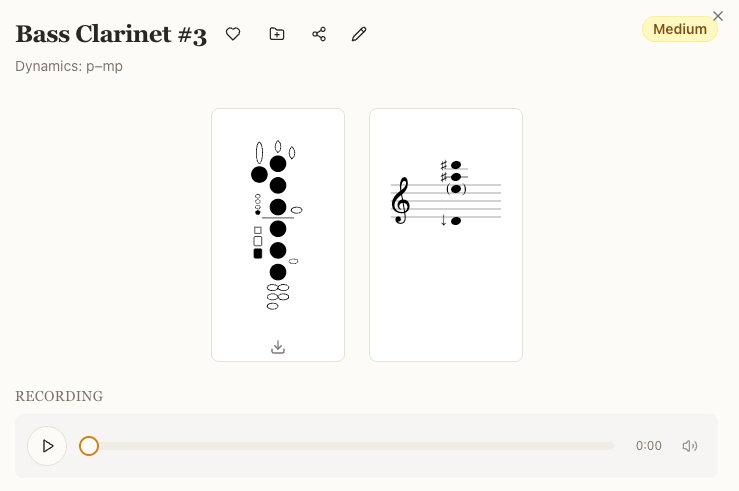
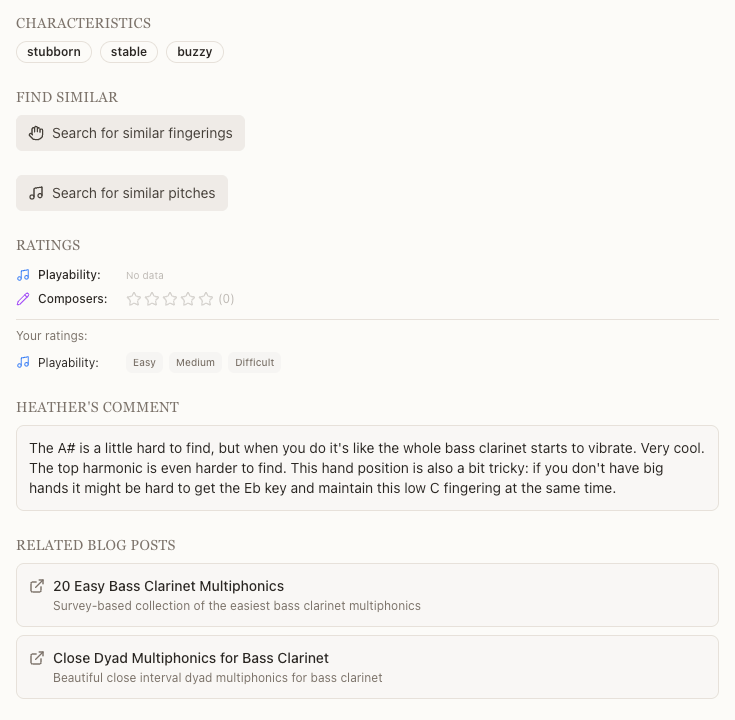
In the detailed view for each multiphonic there’s a lot of information: pitch, fingering (with SVG download option!), recording, dynamics, characteristics, some of them have a little comment from me, and any related blogposts on my website are linked. You can also rate them: when you sign up you select whether you’re a clarinetist, a composer (or both), and then you can select a star or difficulty rating. You can also from here link to the advanced pitch and fingering searches to find related multiphonics.
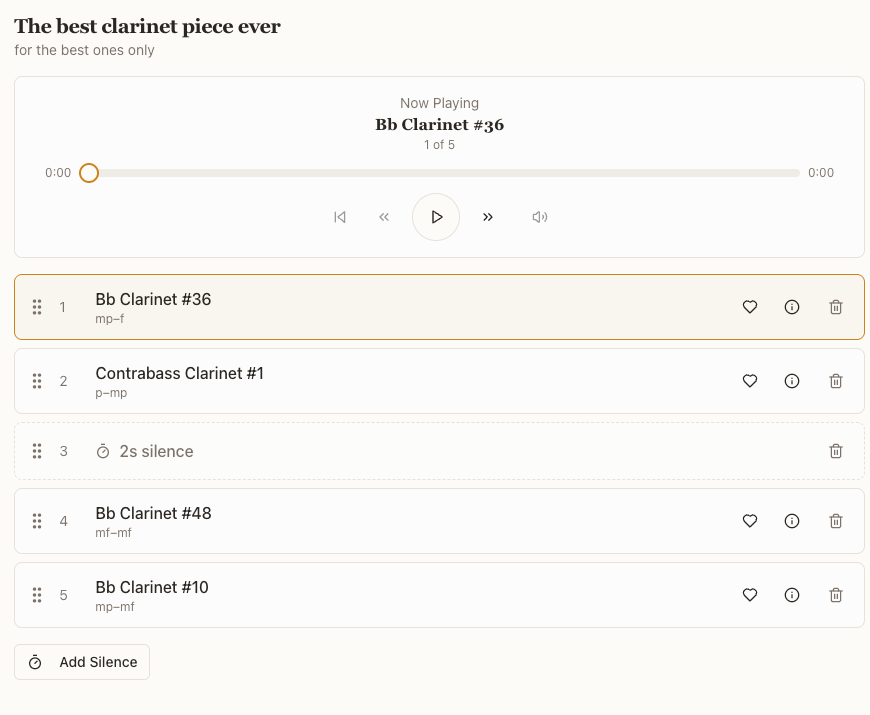
You can save things to lists. You can then manipulate your lists: change positions of multiphonics or add silences and play them back in any order you want. Then share them with another app user. Your ‘favourites’ automatically populate a list.
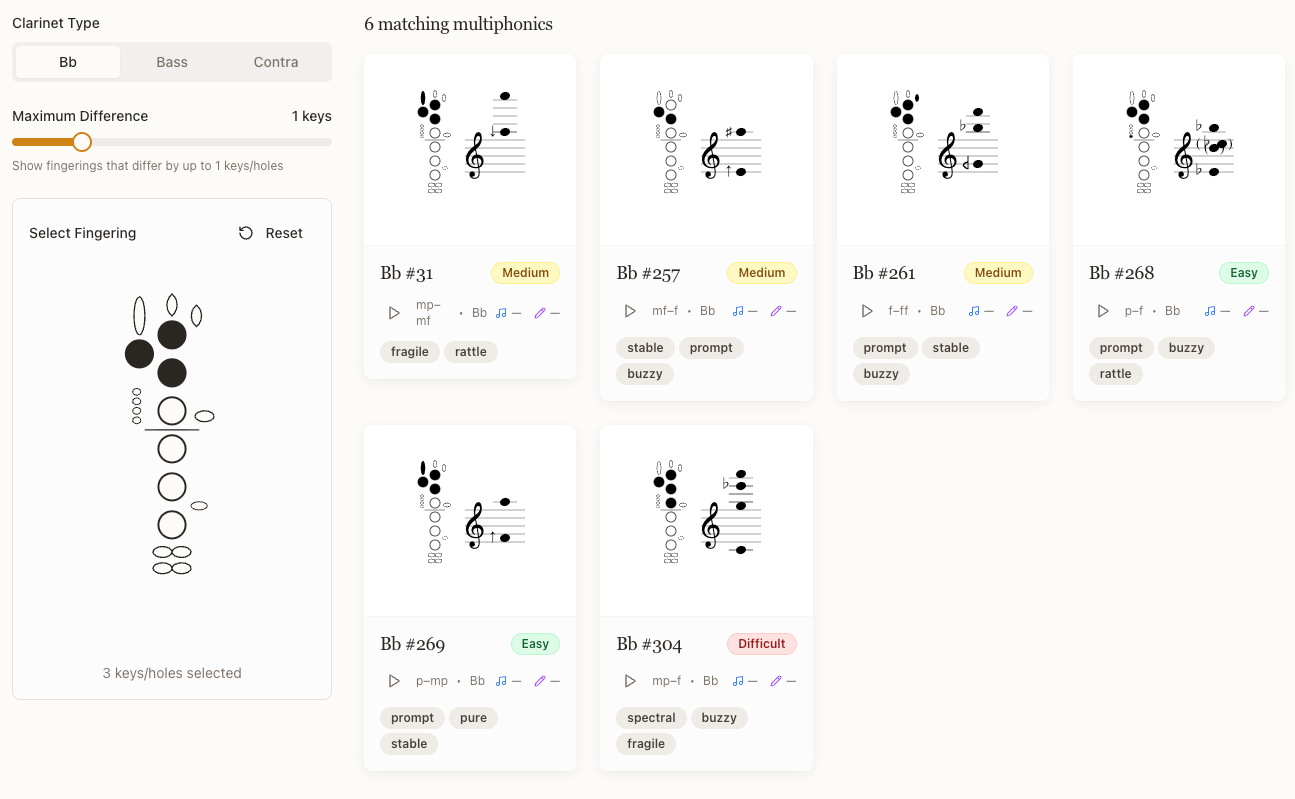
To use the advanced fingering search, tap in your fingering on the left, select the number of keys’ difference (if any) and then related fingerings appear on the right. This is honestly my favourite feature, I’m so happy it works – although I recognise it will only be appropriate for a certain kind of composer.
Or: a clarinetist who suspects a composer has made a mistake when copying the fingering and thinks something might be missing. This happens a lot (it’s not really your fault composers, there are a lot of keys), and I can see myself making use of this down the line.
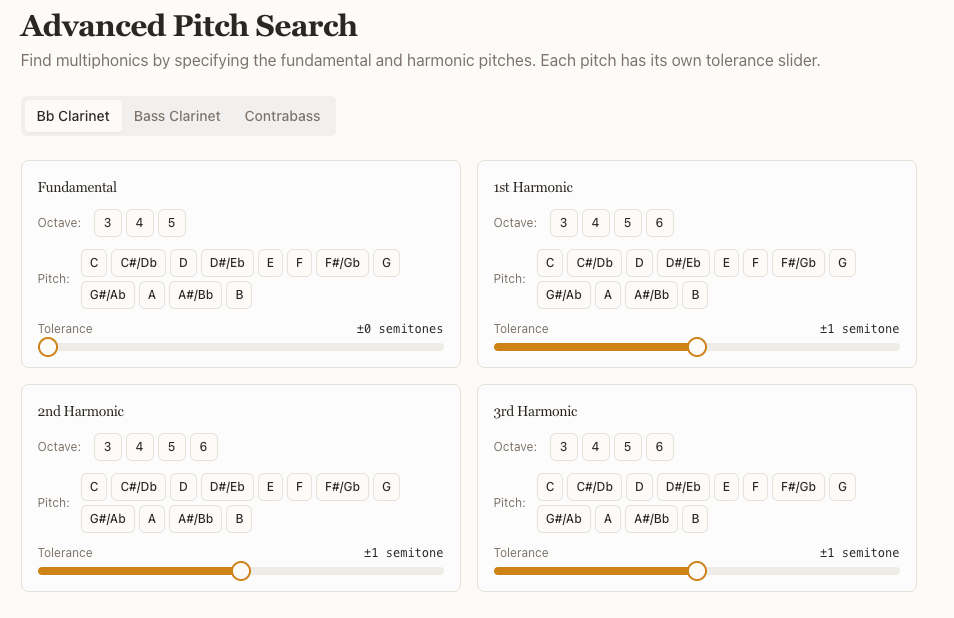
You can filter by pitch in the main menu, but I’ve also included an Advanced Pitch Search, so you can select the fundamental (i.e. the bottom note in any multiphonic) and then three harmonics above it. Be as specific as you like - but you may need to increase the tolerance to find multiphonics.
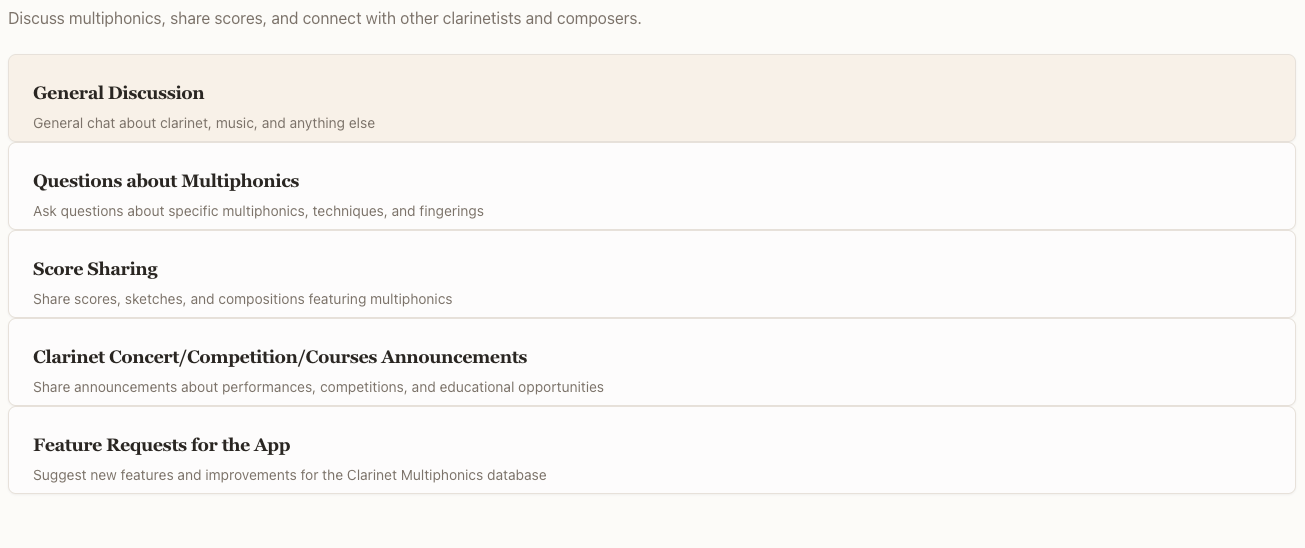
And finally, we also have a forum. To my great happiness, my soft launch team have already started to use this to say hello to me and other users, and it’s fun to see what an interesting mix of composers and clarinetists are turning up.
I hope you’ll check out the app - www.multiphonics.app - there are still some founding memberships to be had.